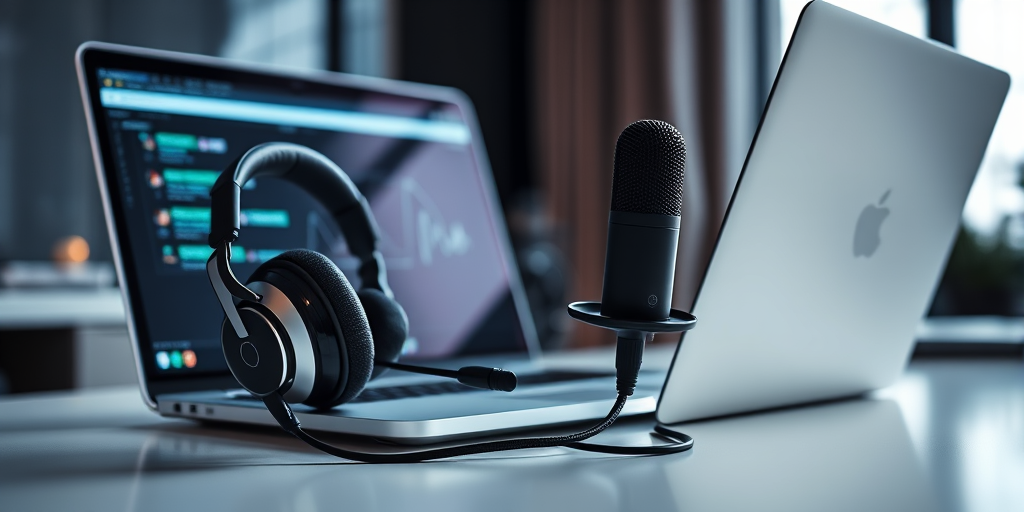
Remote work has become a normal part of everyday life for many New Zealanders. Whether it’s Zoom meetings, online interviews, customer calls, remote learning, or team collaboration, digital communication now plays a major role in how people work and connect.
While most people focus heavily on webcam quality and internet speed, one critical factor is often overlooked: audio quality.
In reality, poor audio causes far more frustration during video calls than poor video. Clear sound improves communication, reduces misunderstandings, and helps people sound more professional and confident in remote work environments.
Why Audio Matters More Than Video
Research and everyday experience consistently show that people tolerate lower-quality video far more easily than unclear audio.
A slightly blurry webcam image is manageable. Crackling microphones, muffled voices, background noise, or audio dropouts are not.
Poor audio can lead to:
- Miscommunication
- Repeated questions
- Listener fatigue
- Reduced professionalism
- Distracting meetings
- Difficulty focusing
In remote work settings, clear communication directly affects productivity, collaboration, and overall meeting quality.
The Problems with Built-In Laptop Microphones
Many laptops and webcams include basic microphones, but these are often designed for convenience rather than quality.
Common issues include:
- Hollow or distant-sounding voices
- Excessive background noise
- Echo and room reverb
- Poor voice clarity
- Weak microphone sensitivity
Built-in microphones also tend to pick up keyboard typing, fans, traffic noise, and room reflections, making conversations harder to follow.
Why a Dedicated Headset Makes a Difference
One of the easiest upgrades for remote work is using a proper headset.
Good wired or wireless headsets provide:
- Clearer microphone quality
- Better voice isolation
- Improved listening clarity
- Reduced echo and feedback
- More focused communication
Headsets are especially useful in shared spaces, busy homes, or offices where background noise can become distracting during meetings.
Comfort also matters. Lightweight designs with padded ear cups help reduce fatigue during long workdays or extended video calls.
USB Microphones for Professional Sound
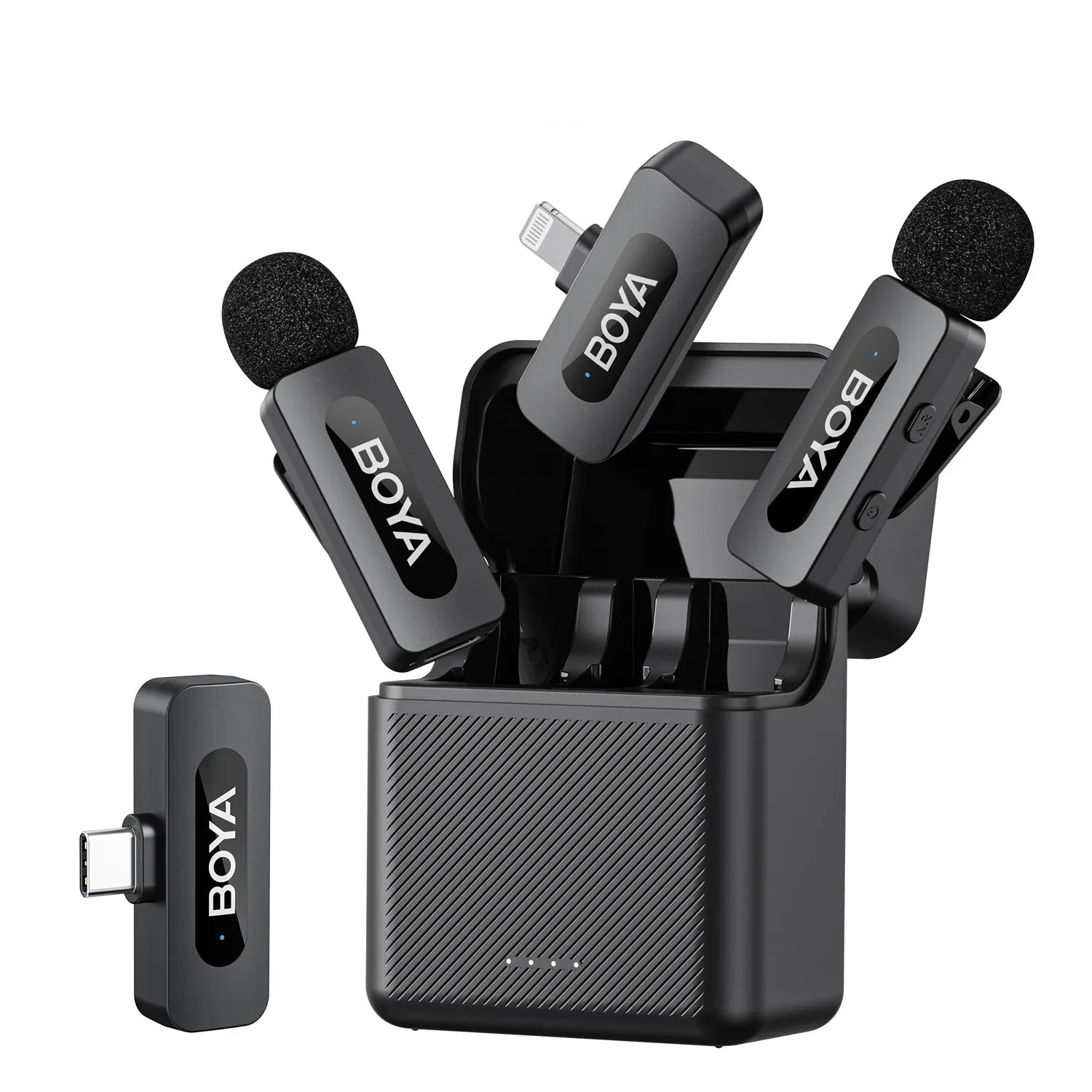
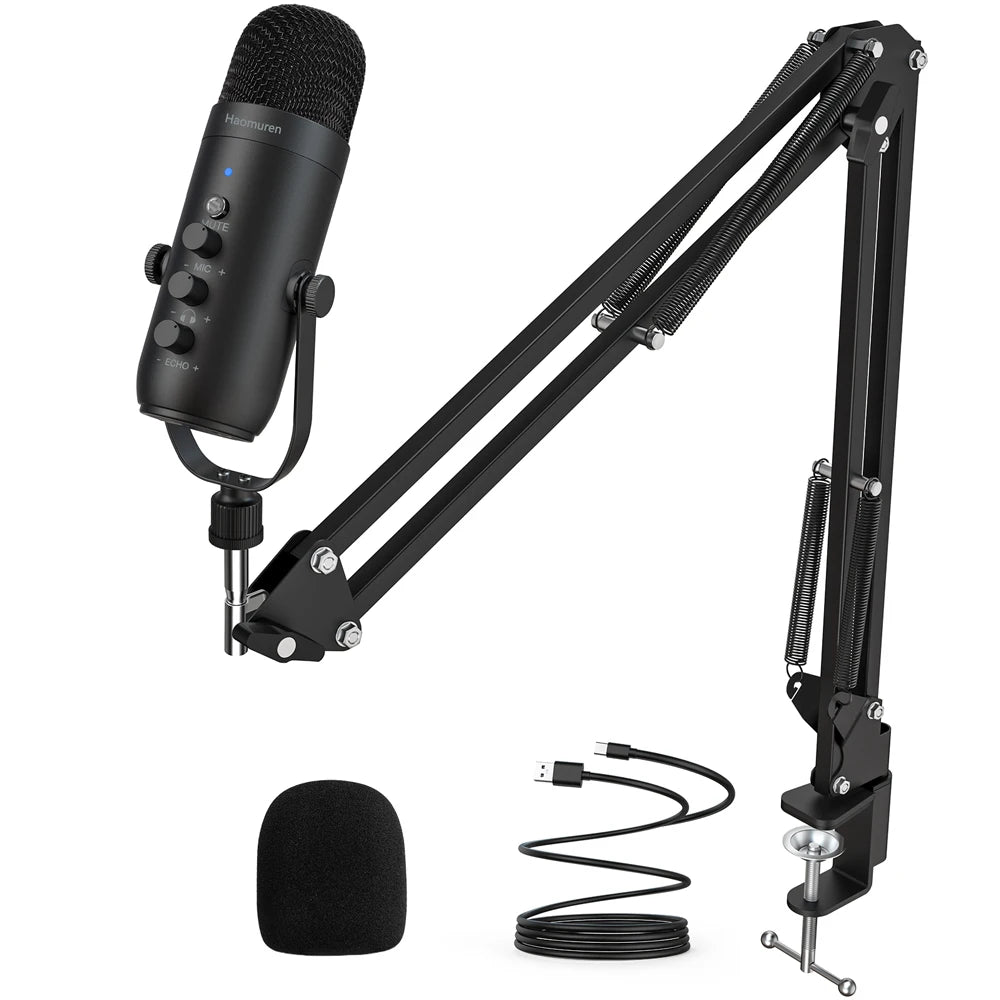
For people who regularly attend meetings, stream, record podcasts, or communicate with clients, a dedicated microphone can dramatically improve audio quality.
Modern USB microphones offer:
- Plug-and-play simplicity
- Clear vocal reproduction
- Better speech clarity
- Reduced compression compared to laptop microphones
Even affordable microphones now provide professional-level audio suitable for:
- Remote work
- Online teaching
- Streaming
- Podcasting
- Client presentations
- Voice recording
Clear audio helps speakers sound more confident, polished, and easier to understand.
Audio Interfaces for Advanced Setups
For creators, professionals, or remote workers using XLR microphones, an audio interface provides additional control and improved sound performance.
Audio interfaces help by:
- Converting audio signals more accurately
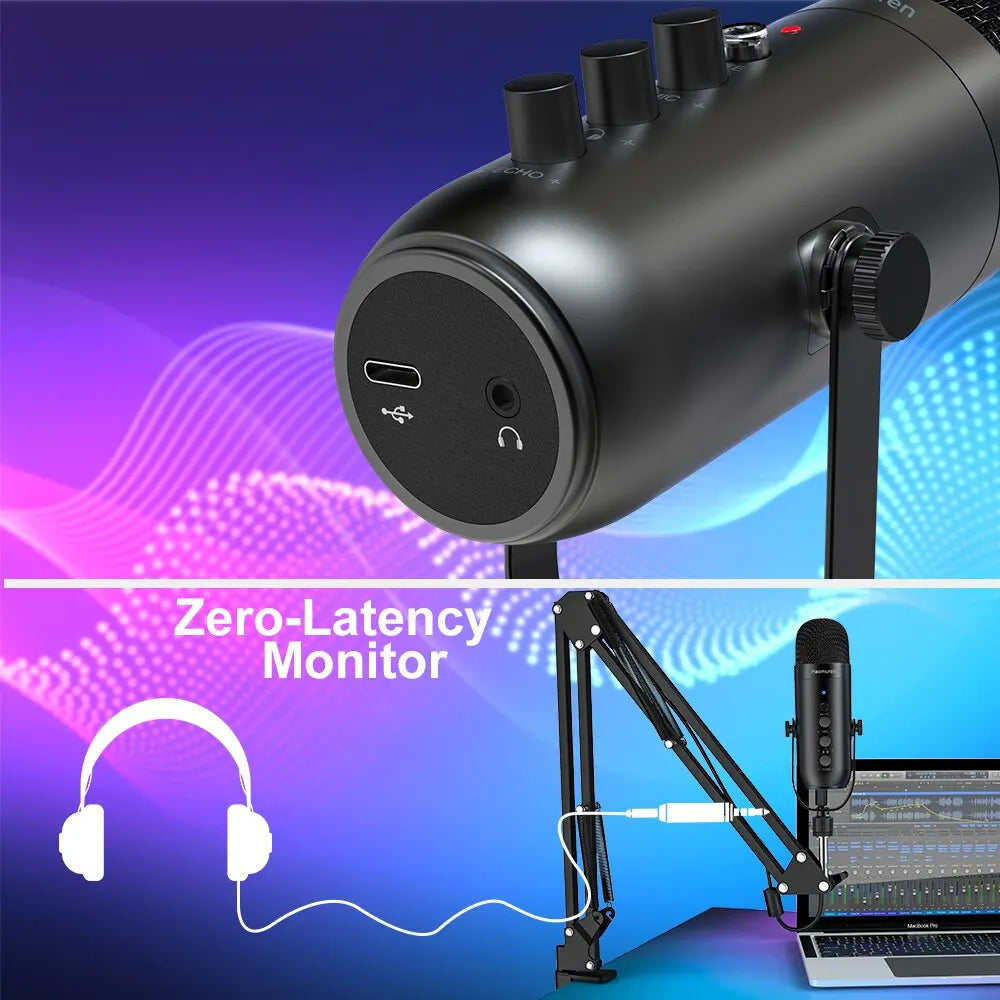
- Reducing latency
- Improving microphone quality
- Supporting studio-style recording setups
While casual users may not need one, audio interfaces are valuable for people building more advanced home office or content creation setups.
The Impact of Poor Audio on Productivity
Bad audio doesn’t just sound unpleasant — it actively reduces efficiency.
When people struggle to hear clearly, meetings become slower and more exhausting. Participants may miss details, interrupt each other more often, or disengage entirely.
Clear audio improves:
- Team communication
- Meeting flow
- Listener engagement
- Professionalism
- Overall work efficiency
For businesses and remote workers alike, investing in better audio equipment can improve daily communication far more than upgrading video quality alone.
Simple Ways to Improve Video Call Audio
You don’t necessarily need expensive equipment to sound better online.
Helpful improvements include:
- Using headphones or a dedicated headset
- Moving closer to the microphone
- Reducing background noise
- Using a USB microphone instead of a laptop mic
- Positioning microphones correctly
- Choosing quieter rooms when possible
Even small changes can make a noticeable difference during meetings and calls.
Why Affordable Audio Gear Is Better Than Ever
Modern audio technology has improved significantly over the last few years. Affordable microphones, headsets, and audio accessories now offer performance that was once only available in expensive professional equipment.
This means remote workers and creators no longer need massive budgets to sound clear and professional online.
Final Thoughts
In remote work and online communication, audio quality matters more than most people realise. Clear sound improves professionalism, reduces misunderstandings, and creates more productive, less frustrating meetings.
At DECIBEL, we focus on affordable audio gear that helps Kiwi remote workers, streamers, creators, and professionals communicate more clearly without overspending. From microphones and headsets to audio interfaces and accessories, our range is selected to provide reliable performance, practical features, and strong everyday value.
Because when people can hear you clearly, everything works better.